How to Translate Korean Text Inside Product Images on Coupang
Many Coupang listings hide important details inside images. Learn how to translate Korean image text before you buy the wrong product.
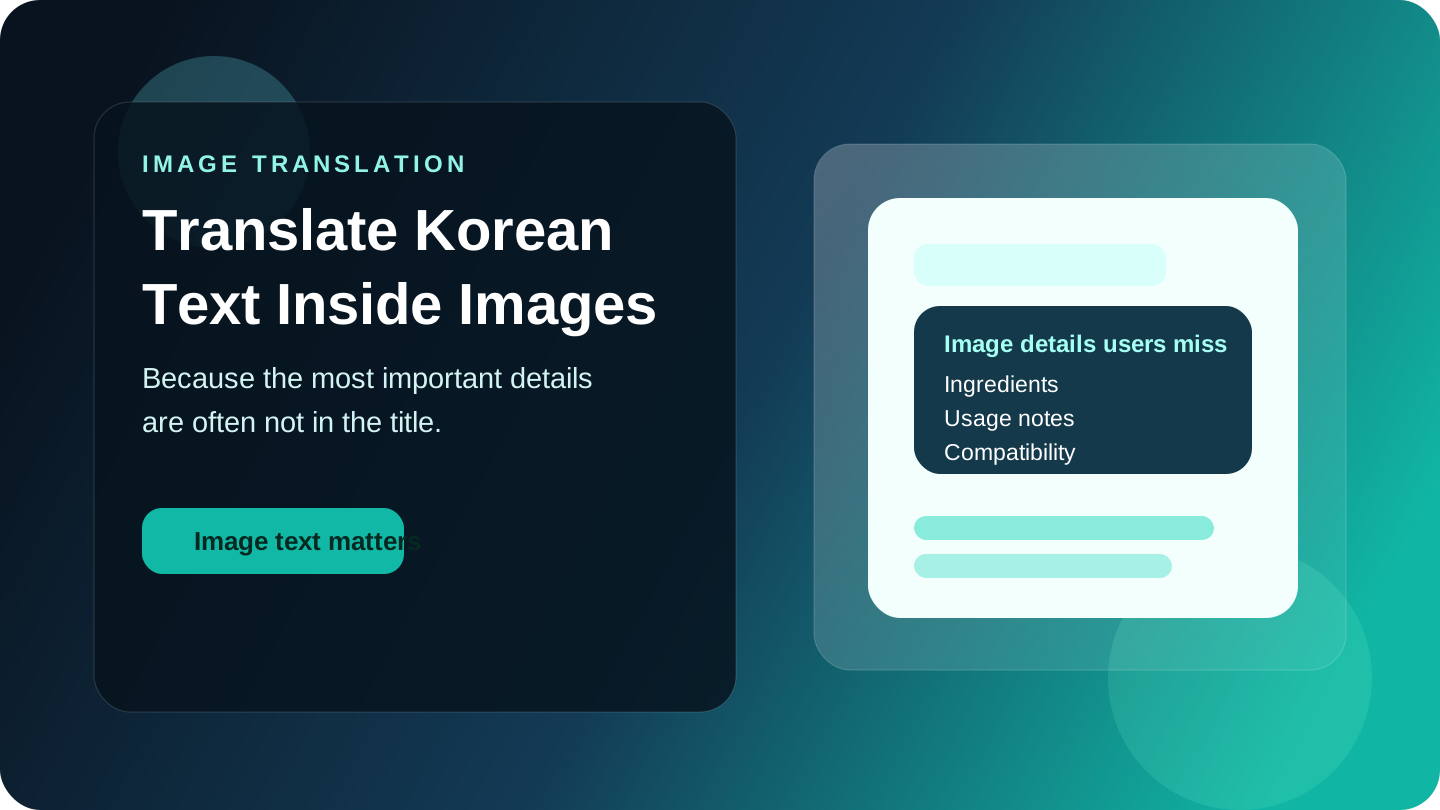
If you can already read a product title but still feel unsure about what you are buying, you are probably missing the information hidden inside images. LangSaver helps you understand Coupang listings with more context, and that matters because many Korean product pages place their most useful details inside long image sections rather than short text blocks.
Why product image text matters so much
On many Coupang listings, the title only gives you the basic label. The full explanation often appears later inside product images.
That can include:
- Ingredient lists
- Size charts
- Material details
- Usage instructions
- Compatibility notes
- Warnings or storage guidance
If you skip those parts, you can misunderstand the product even when the title looks correct.
Why copy and paste translation is not enough here
Image text creates a different problem from normal listing text. You cannot always copy it cleanly, and the details are often spread across several long graphics.
That leads to a frustrating shopping flow:
- Scroll through a long product page
- Screenshot or manually inspect the image
- Use another tool to figure out what the text says
- Repeat the same process for every important section
That is slow, and it becomes even harder when you are comparing several similar products.
What kinds of products usually hide key details in images
This is especially common in categories where buyers care about the fine print.
Beauty and skincare
Important details often include ingredients, skin type guidance, usage order, and texture claims.
Supplements and health products
Images may include serving information, usage guidance, warnings, or product composition.
Electronics accessories
You may need image-based text to confirm dimensions, model compatibility, ports, or installation instructions.
Kitchen and household goods
Product images often explain material types, cleaning instructions, included pieces, or recommended use.
A better workflow for image-heavy product pages
Instead of trusting the title alone, use a simple decision flow:
- Confirm the basic product name and version
- Check whether the important details seem to be inside images
- Review those image sections before buying
- Compare similar listings if the details still feel unclear
- Save the product if you want to wait for a better price after understanding it
This helps you avoid buying the right category but the wrong product version.
Where LangSaver fits
LangSaver is especially useful when the listing information is spread across product images and reviews rather than a short description.
It can help you:
- Understand product details more clearly
- Read Korean text inside product images
- Check reviews for confirmation before buying
- Track the product later if price timing matters
That is more useful than translating isolated fragments. The purchase still happens on Coupang, but you get a clearer picture before making the decision.
When image translation matters most
This matters most if you:
- Buy skincare or beauty products
- Compare electronics accessories
- Shop for supplements or health items
- Care about ingredients, materials, or compatibility
If you want the broader language-access guide first, start with How to Shop on Coupang in English. If reviews are the bigger issue, continue with How to Read Korean Product Reviews Before You Buy.
Final takeaway
If you only translate the title, you may still miss the details that matter most. On many Coupang listings, product images contain the information that decides whether the item is safe, suitable, or worth buying at all.
Try LangSaver
Use LangSaver to understand products, reviews, and image text without leaving the shopping flow.
- Learn more: LangSaver homepage
- See the workflow: How it works
- Next read: How to Shop on Coupang in English
Download
Download: Google Play | App Store